
3D Printer maintenance
Most 3D printer suppliers will provide a maintenance manual however we have included some common maintenance tips, if ignored, may cause printer downtime.
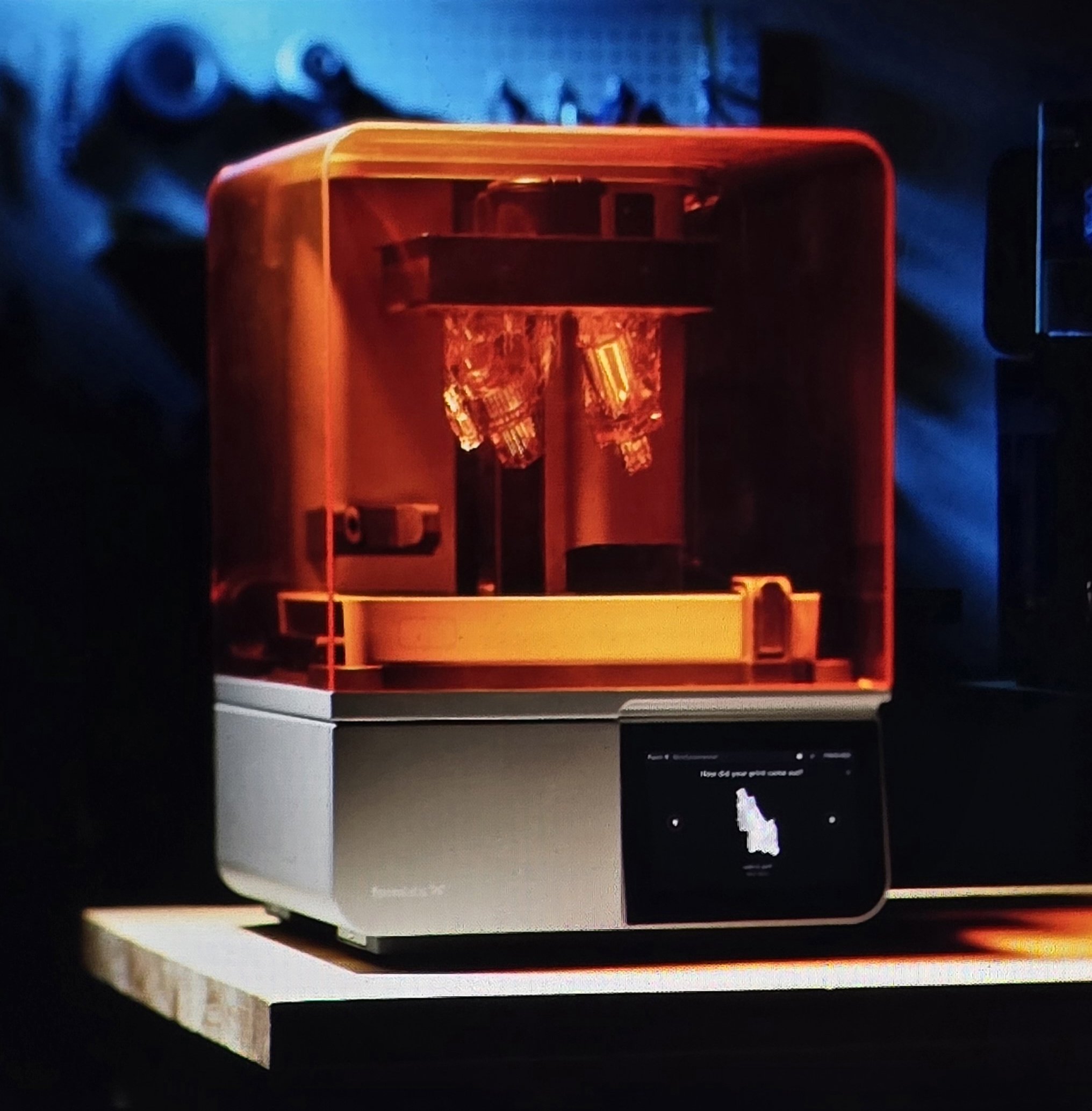
The Formlabs Form 4B (able to print every resin available from Formlabs) with precision as good as 0.05mm layer height at great speeds.
3D Printer Maintenance Schedule
Prevention is better than a failed 20-hour print. Use this checklist to keep your machine running at peak performance.
Every Print (The "Quick Check")
Clean the Bed: Wipe the build surface with 99% Isopropyl Alcohol (IPA). Even a single fingerprint can cause a print to lift.
Nozzle Inspection: Ensure there is no leftover "ooze" or burnt plastic hanging off the nozzle that could get dragged into your first layer.
Filament Check: Ensure the spool spins freely and isn't tangled.
Monthly (The "Tune-Up")
Belt Tension: Pluck your X and Y axis belts like a guitar string. They should be taut and give a low-pitched "thrum," but not be so tight they bend the motor shafts.
Lead Screw Lubrication: Wipe down the Z-axis threaded rods to remove old grease and dust. Re-apply a small amount of PTFE-based grease or dry lubricant.
Eccentric Nut Adjustment: Check the wheels on your gantry. If the print head wobbles when you shake it by hand, tighten the eccentric nuts until the movement is smooth but firm.
Check Fans: Use a small brush or compressed air to blow dust out of the hotend and power supply fans. A dusty fan leads to "Heat Creep" and clogs.
Quarterly (The "Deep Clean")
Nozzle Replacement: If you've been printing "Abrasive" filaments (Glow-in-the-dark, Carbon Fiber, or Wood-fill), your brass nozzle is likely worn down. Swap it for a fresh one.
Extruder Gear Cleaning: Open the extruder assembly and brush out the plastic "shavings" from the teeth of the drive gear. This prevents filament slipping.
Firmware Updates: Check the manufacturer’s website for any firmware updates that improve safety features (like Thermal Runaway Protection) or print quality.
PTFE Tube Inspection: If you have a Bowden-style printer, check the ends of the white PTFE tube. If they look charred or degraded, trim a few millimeters off for a fresh seal against the nozzle.
The "Aussie Summer" Special Tip
Manage your Moisture: During humid Australian summers, filaments like PETG, Nylon, and TPU act like sponges. If you hear a "popping" or "crackling" sound at the nozzle, your filament is wet. We recommend storing open spools in a dry box or using a dedicated filament dryer to maintain print strength.
Print surface cleaning after each print
✳︎
Wire brush the print hotend nozzles regularly
✳︎
Calibration after loading new filament
✳︎
Repair 3D models before printing if errors
✳︎
Good bed adhesion of the first layer: use correct adhesive
Print surface cleaning after each print ✳︎ Wire brush the print hotend nozzles regularly ✳︎ Calibration after loading new filament ✳︎ Repair 3D models before printing if errors ✳︎ Good bed adhesion of the first layer: use correct adhesive
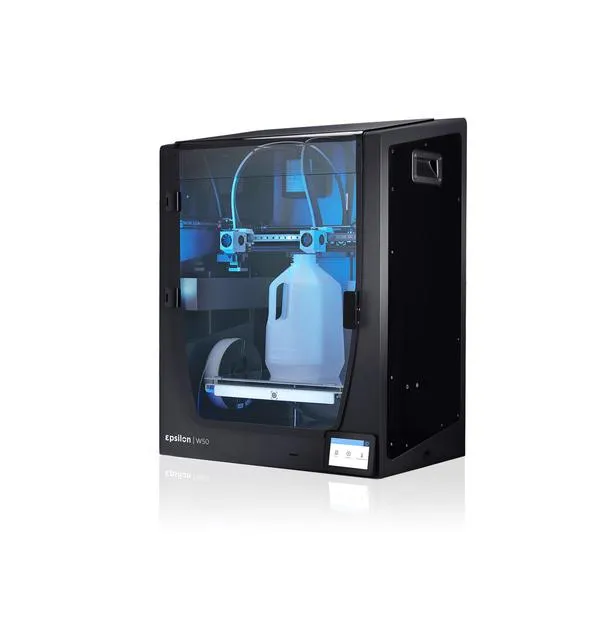
The BCN3D Epsilon W50 - A dual head, automatic claibration, heated chamber and glass print surface.
“We have made serious investment to bring the best filament and resin 3D print technology to the population of Coffs Harbour and the surrounding areas in the Mid-North Coast of NSW.”
Get In Touch
If you're interested in working with us, complete the form with a few details about your project. We'll review your message and get back to you within 48 hours.